



Dead Strike – Undead Mayhem in a Post-Apocalyptic Shooter
Play Dead Strike instantly in your browser - No download required!
Share Dead Strike with Friends!
Tweet about Dead Strike, a fun Action game!
Discover More Dead Strike
Dead Strike
Wacky Steps
Astro Tycoon
Stick Hero RPG
Bow Battle

Lab Havoc

Sky Dart
Iron Snout
What is Dead Strike?
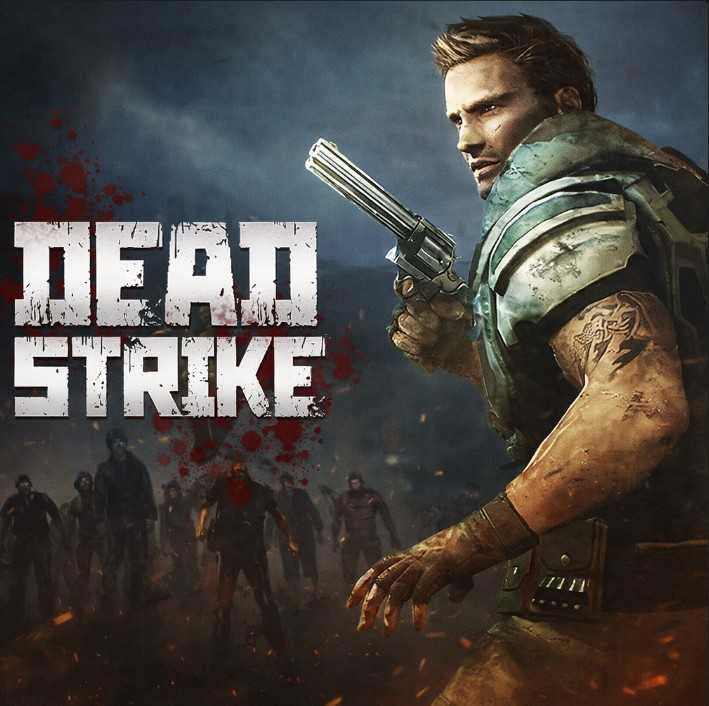
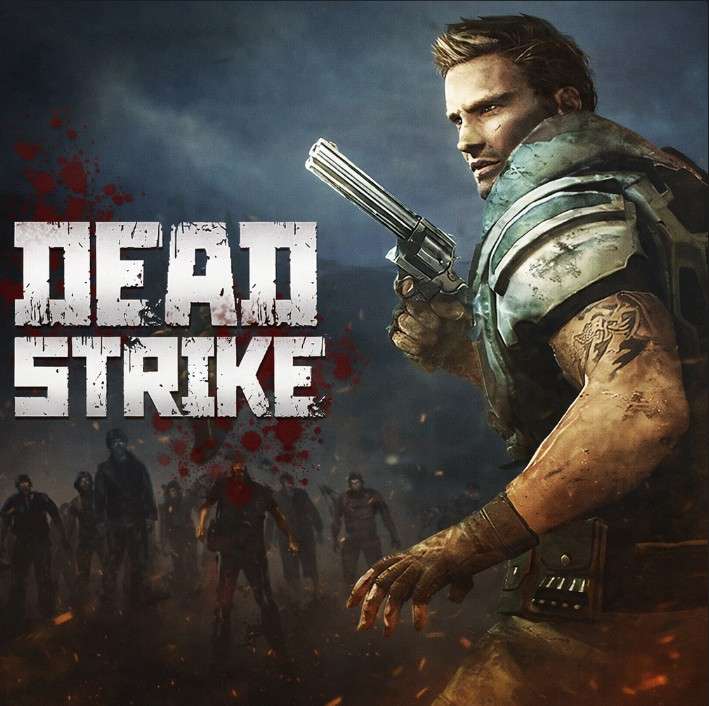
Dead Strike drops you into a ruined world where some nasty outbreak wiped out civilization and left the streets crawling with zombies. It's a first-person shooter built for fast reflexes — point, click, drop the undead before they overwhelm you. Think twitchy trigger finger over patient sniping, because these things do not wait around.
How to Play Dead Strike
Get Your Bearings Fast
The first few seconds matter. Scan the area, find a sightline, and pick your opening target. Hesitation costs health.
Aim for the Head
Headshots are the obvious money shot in zombie games, and this one is no different. Save ammo by being precise.
Keep Moving, Always
Standing still in a horde is a death sentence. Strafe, circle, and never let the dead box you in.
Manage Your Reloads
Chambering a new mag mid-fight can cost you a chunk of HP. Reload during lulls, not during a rush.
Use the Environment
Doors, corners, and broken walls are your friends. Funnel zombies into chokepoints and let them come to you.
Survive the Waves
Each round usually pushes harder than the last. Pace your ammo early and don't burn your best gear on round one.
What Makes Dead Strike Click
Pure FPS Action
No RPG menus, no inventory tetris. Just you, your gun, and a horde that wants your brains.
Zombie Outbreak Setting
Post-apocalyptic streets give every match that grim, lonely vibe that makes a good shooter great.
Skill-Based Combat
There's no auto-aim safety net here. Your accuracy, timing, and movement are the only things between you and getting eaten.
Wave After Wave
Endless-style rounds crank up the pressure and keep each run feeling fresh.
Runs in Your Browser
No downloads, no installs, no waiting on a 50GB patch. Click and play in seconds.
Fast-Paced Gunplay
Every encounter rewards fast reactions. The gun feel is snappy, the enemies are relentless, and downtime is minimal.
Jump Straight Into the Action
Dead Strike lives entirely in your browser, so there's nothing to install and nothing to update. Click the link, wait a second for the page to load, and you're already holding a weapon with no setup at all. Perfect for sneaking in a round between classes.
Why You Should Play Dead Strike
Zombie Horde Action
There's nothing quite like mowing down a swarm of undead while the world crumbles around you.
Instant Pickup-and-Play
No tutorials, no menus, no waiting. You're shooting zombies within seconds of opening the page.
Pure Skill Gameplay
Your aim and movement are the only skill level. Get good or get eaten.
Runs on Any Laptop
Lightweight enough for school Chromebooks and old work machines without breaking a sweat.
100% Free, No Signup
No accounts, no paywalls, no "buy 100 gems for $4.99" nonsense. Just click and play.
Dead Strike FAQs
Is Dead Strike free to play?
Yep, it's a free browser shooter. Just load the page and you're in the action.
Do I need to download anything?
Nope. Dead Strike runs straight in your browser with no install required.
What kind of game is Dead Strike?
It's a first-person zombie shooter focused on fast aim, quick reflexes, and surviving waves of the undead.
Can I play Dead Strike unblocked at school?
That's the whole point of the unblocked version — it skips past the usual blocks so it usually works on school Chromebooks.
Is there a story mode?
Dead Strike leans into arcade-style wave survival rather than a heavy narrative. The atmosphere tells the story.
What are the controls like?
Standard FPS setup — WASD to move, mouse to aim, click to shoot. You'll be comfortable in seconds.
Do zombies get tougher over time?
Yes, later rounds usually throw faster, tankier undead at you, plus more of them per wave.
Can I play with friends?
The browser version is mostly a solo grind against the horde, so check the in-game mode for any co-op options.
Does it work on a slow laptop?
It's a lightweight browser shooter, so it runs fine on older machines without melting your fan.
Are there different weapons?
Yes, you'll come across different guns as you progress, each with its own feel and damage output.
Is Dead Strike the same as Dead Strike Online?
They're the same game — "Online" and "Unblocked" just refer to the browser-playable versions.
How do I get a high score?
Stay mobile, land headshots, and don't waste reloads during a swarm. Survival time equals score.
Will my progress save?
Browser sessions usually reset when you close the tab, so treat each run as a fresh start.
Is it gory?
It's a zombie shooter, so expect some blood and dismemberment — standard for the genre.
Dead Strike Tips and Tricks
Headshot Discipline
Headshots deal bonus damage and save precious bullets during long waves. Train yourself to flick to the dome every time.
💡 Aim just above the chin for an easy headshot line.
Strafing Saves Lives
Constant strafe movement makes you way harder to grab. Zombies predictably lunge, so sidestep their attacks instead of backing up.
💡 Circle enemies clockwise to keep your crosshair on their heads.
Reload Discipline
Reloading at the wrong moment gets you killed in a swarm. Always chamber a new mag behind cover or during a lull.
💡 Reload right after a kill when the next zombie is still mid-spawn.
Corner Camping
Funneling zombies through doorways gives you crowd control without crowd control. One bullet, one zombie, minimal waste.
💡 Pick a corner with two exits so you can flank if you get rushed.
Save the Big Guns
Save powerful weapons for later waves when the horde grows weaker. Burning them early leaves you stuck with a peashooter when it counts.
💡 Use your sidearm through round five, then swap to the heavy hitters.